OAuth apps
Managing and revoking access
Rotate the secret, change the app, and how people revoke it
In the examples, api.<domain> is your Ghost API host and <web> is the Ghost web app.
On the app's page you can do the following. For an organization's app, any admin or owner of the organization can.
- Generate a new secret. The old one stops working at once, so update your app's configuration straight away.
- Upload a logo. People see it next to your app's name when it asks for access.
- Edit the name, description, homepage, callback URLs and device flow.
- Delete the app. Every token it was given, for every person, stops working.
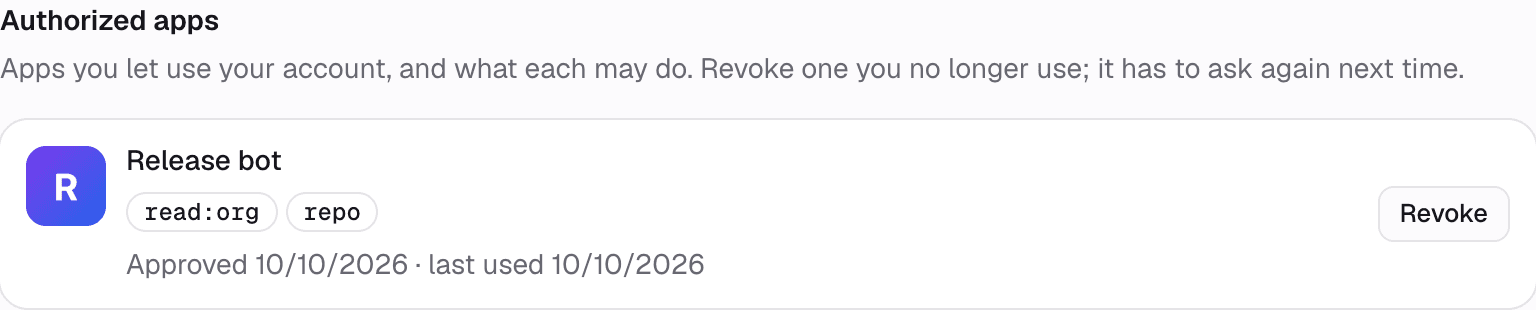
People see every app holding a token for their account under Settings → Authorized apps, with the scopes it holds. Revoke ends that app's access to their account, and the app has to ask again next time.